
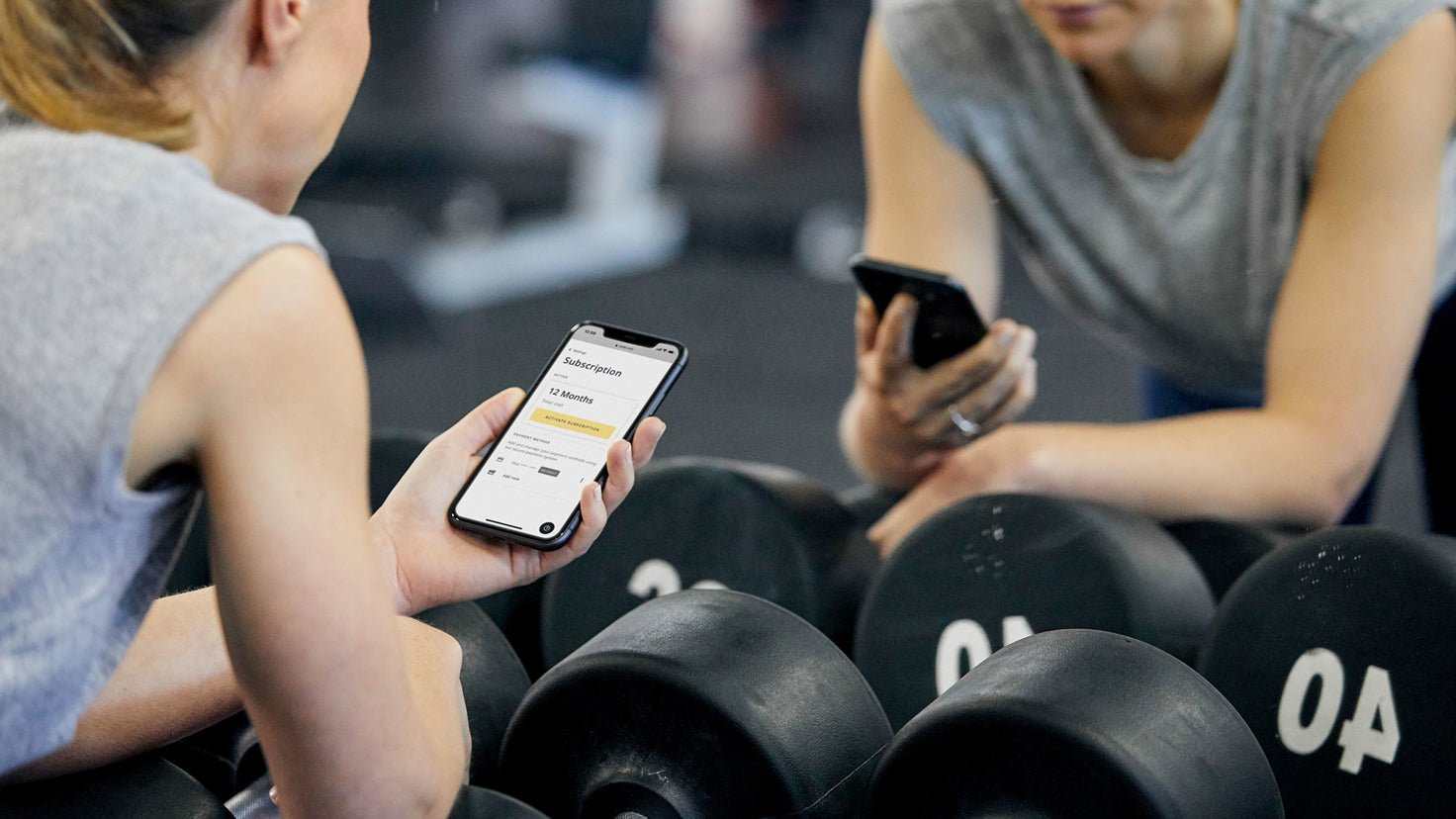
Your subscription is about to expire but we want you to stick around! To keep chasing your health and fitness goals you’ll need to reactivate. Find the instructions that fit your device below, and we’ll see you back at training.
If you signed up to Centr via the website (centr.com):
- Go to centr.com/auth/login and sign in
- Go to settings, then subscription
- Click ‘Activate subscription’
If you signed up to Centr via the Apple iOS app:
- Open the Settings app on your iPhone
- Tap your name, then tap Subscriptions
- Tap ‘Centr’, then select ‘12 months’
- Confirm your purchase
If you signed up to Centr via the Android app:
- Open the Centr app
- Tap ‘Settings’, then ‘Subscription’
- Tap ‘Manage Subscription’
- Next to your plan, tap the resubscribe button
- Confirm your purchase



Leave a comment
This site is protected by hCaptcha and the hCaptcha Privacy Policy and Terms of Service apply.